There are 3 ways to create a ticket
- Email: helpdesk@martinsvilleva.gov
- Call: 276-403-5108
- Go to the ticket portal helpdesk.martinsvilleva.gov
Ticket System Portal Instructions:

1. Go to https://helpdesk.martinsvilleva.gov
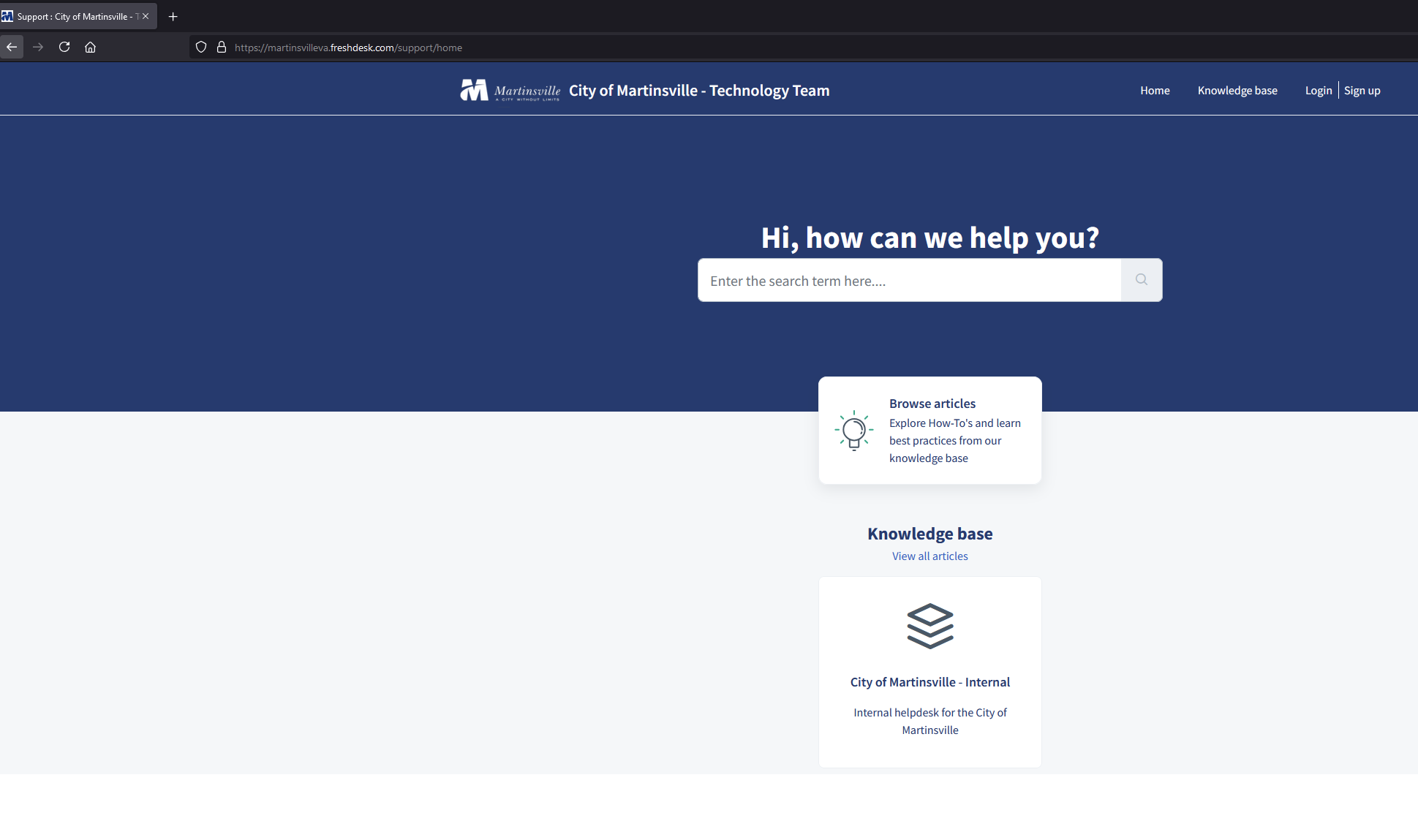
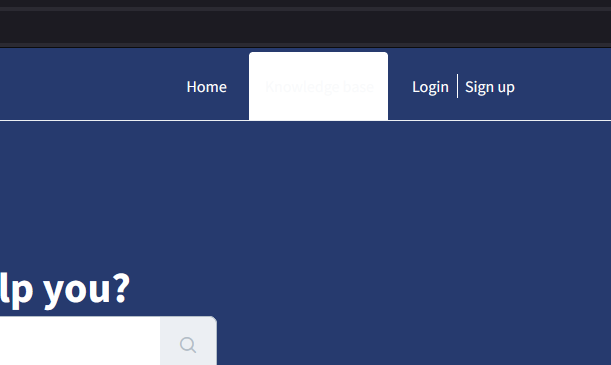
2. Click Login in the Top, Right Corner. (If you haven't created an account, please sign up, you can find instructions here)
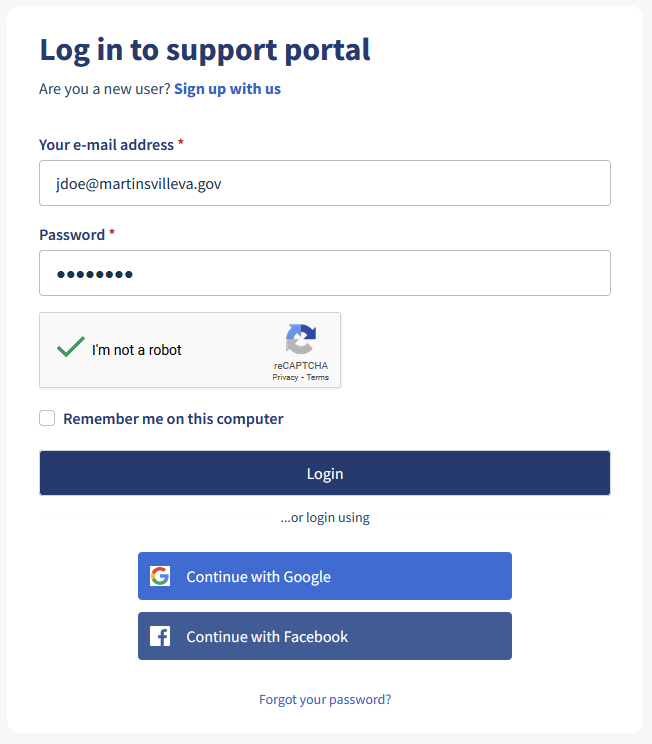
3. Enter your Email and Password then click login
4. Once you've logged in, you can create a ticket, view past tickets, and check out the different articles with helpful information. We will be continuously adding new articles for helpful information. 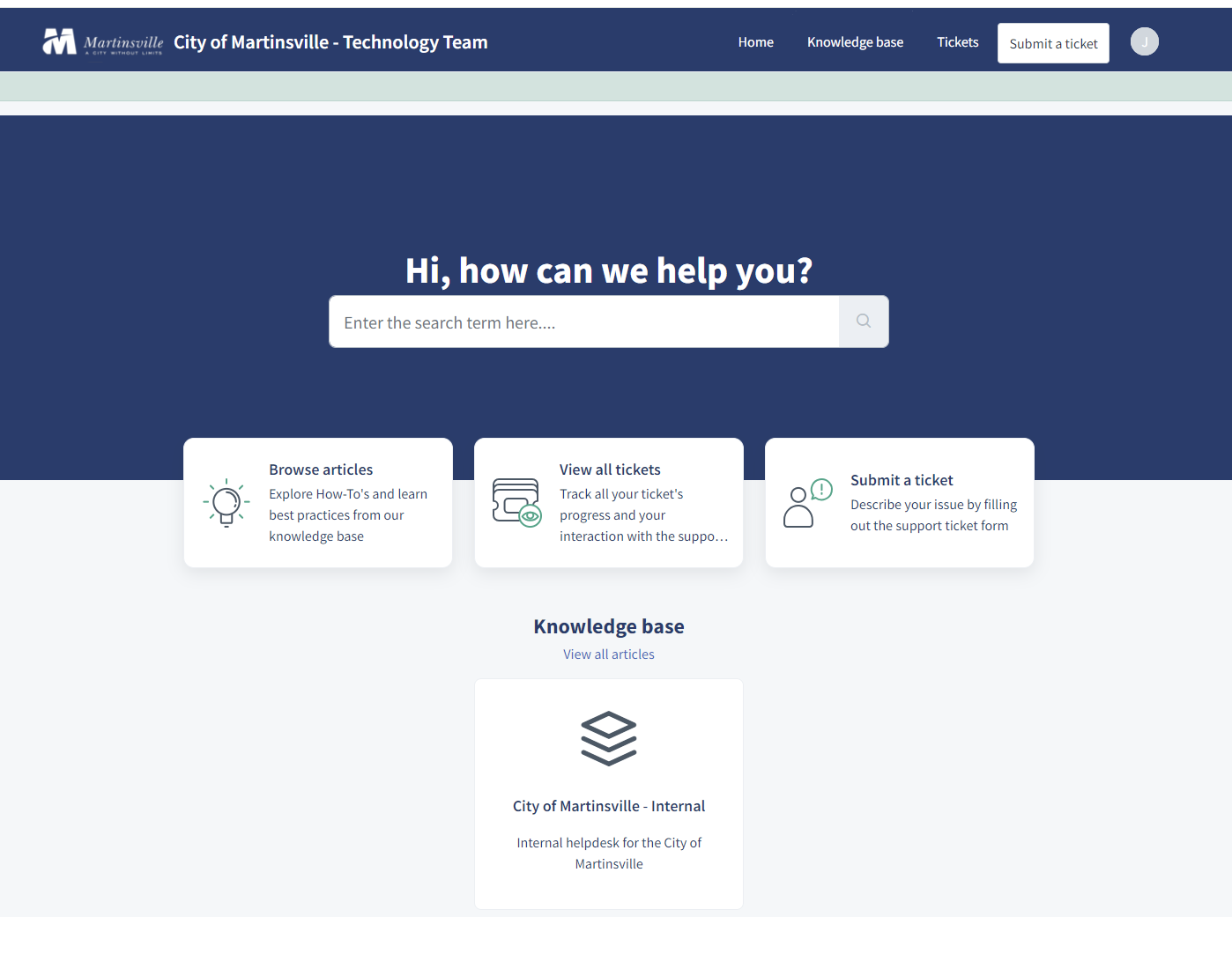 5. To start a service request, click Submit A Ticket
6. Fill out the information and hit submit. A technician will resolve your issue as soon as possible. You will get an email notification
Was this article helpful?
That’s Great!
Thank you for your feedback
Sorry! We couldn't be helpful
Thank you for your feedback
Feedback sent
We appreciate your effort and will try to fix the article